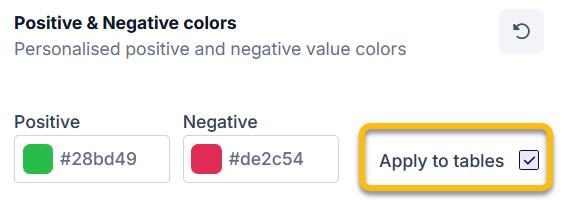
Using the “Apply to tables” tick box on the “Chart colours” tab, you can choose whether the values for positive and negative numbers should also be highlighted in the corresponding columns of tables. This setting is enabled by default. If you do not wish to highlight any columns, deselect this tick box.
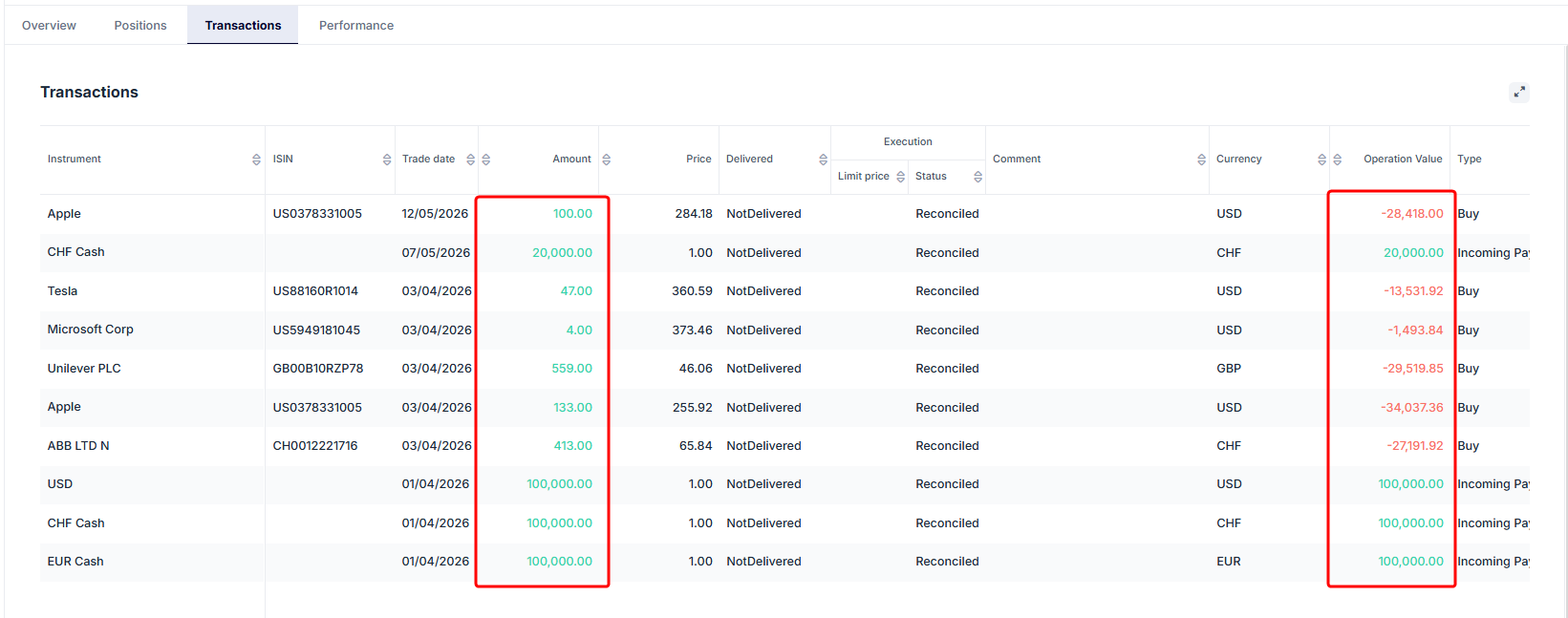
Example 1: Table with checkbox activated
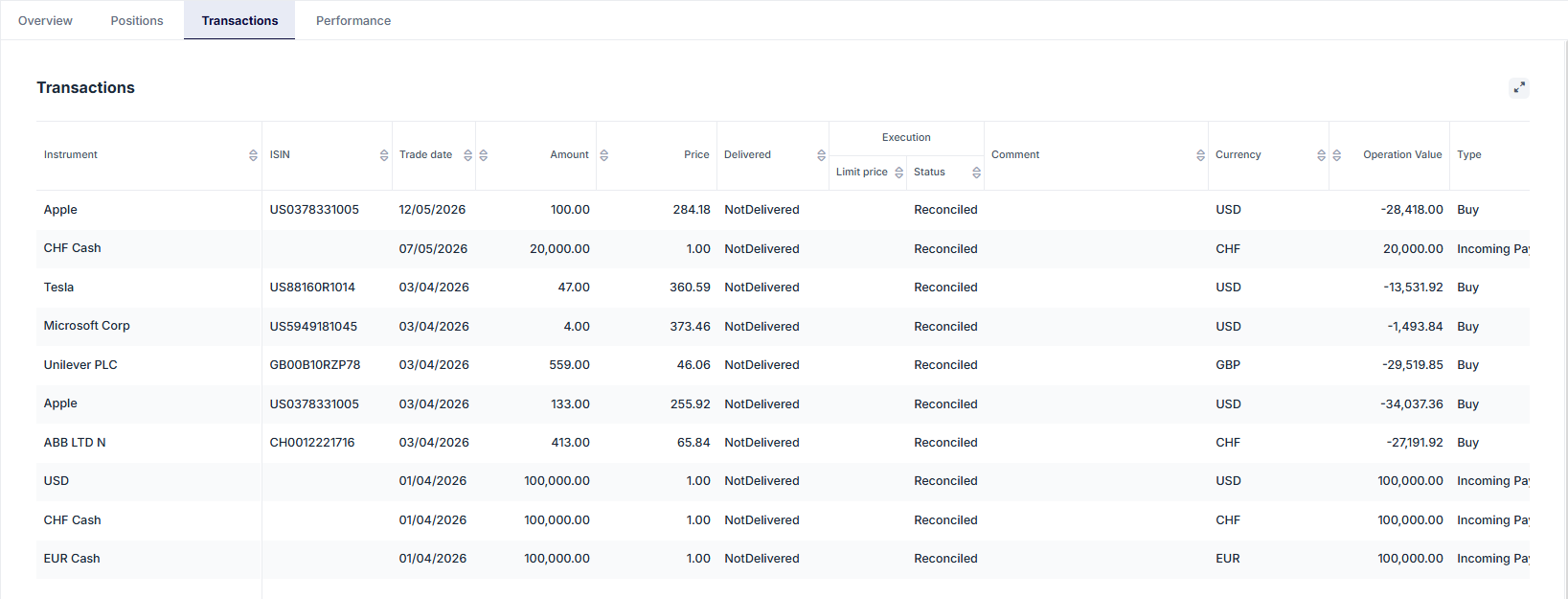
Example 2: Table with checkbox disabled